How to Change the Access Mode
The access mode determines how data written on the client is retained. Go to Console → Desktop → Desktop management, select the target computer in the list, then click Desktop Management → Access Mode on the toolbar.
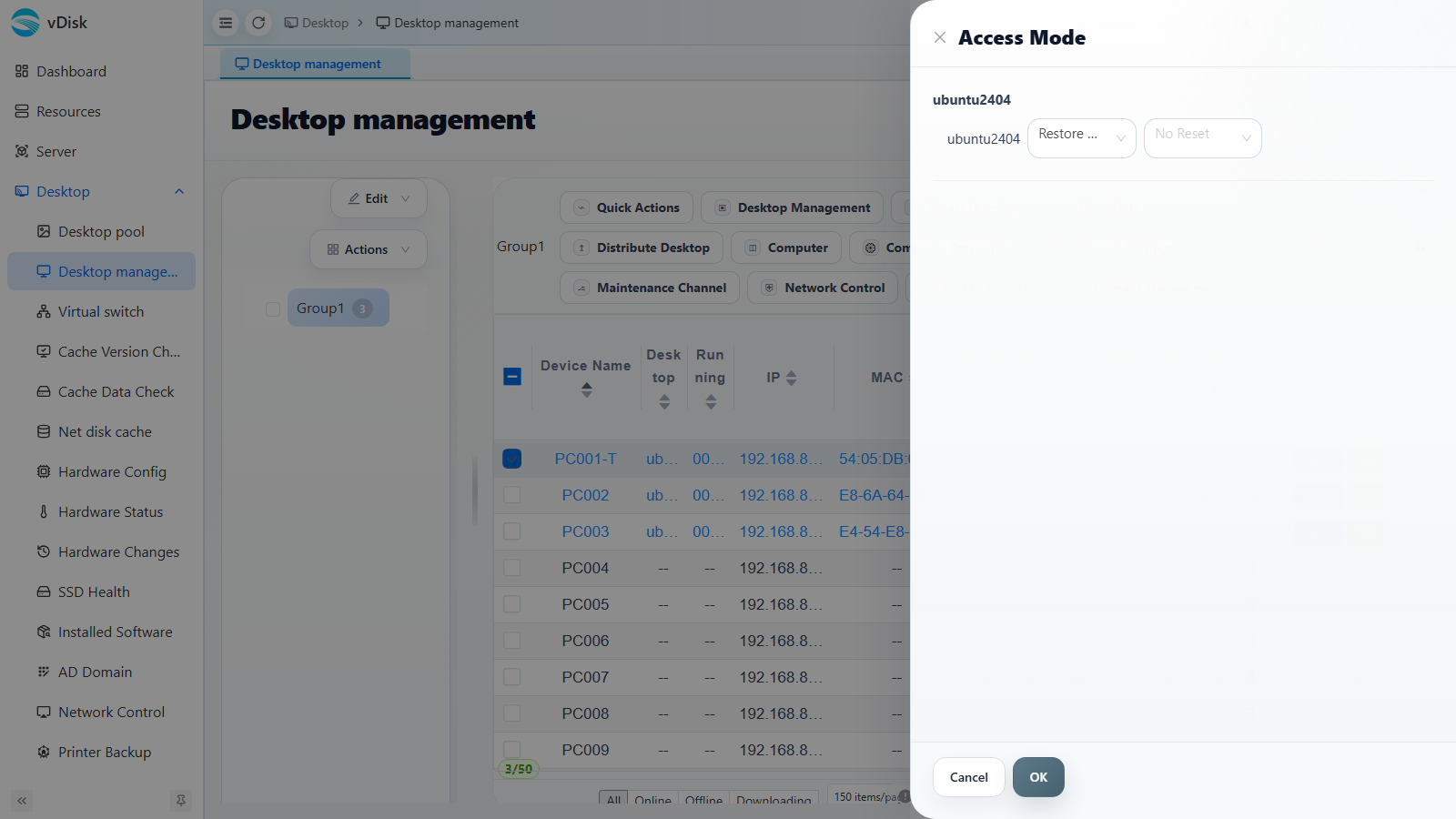
Choose the access mode per disk in the dialog. "Write Mode" can also be combined with a reset schedule: No Reset / Daily Reset / Weekly Reset / Monthly Reset / Bimonthly Reset.
Mode descriptions
Restore Mode: Desktop data is automatically restored after every restart.
Write Mode:
Write Mode + Periodic Reset: