How to Update an Image Directly During Network Boot
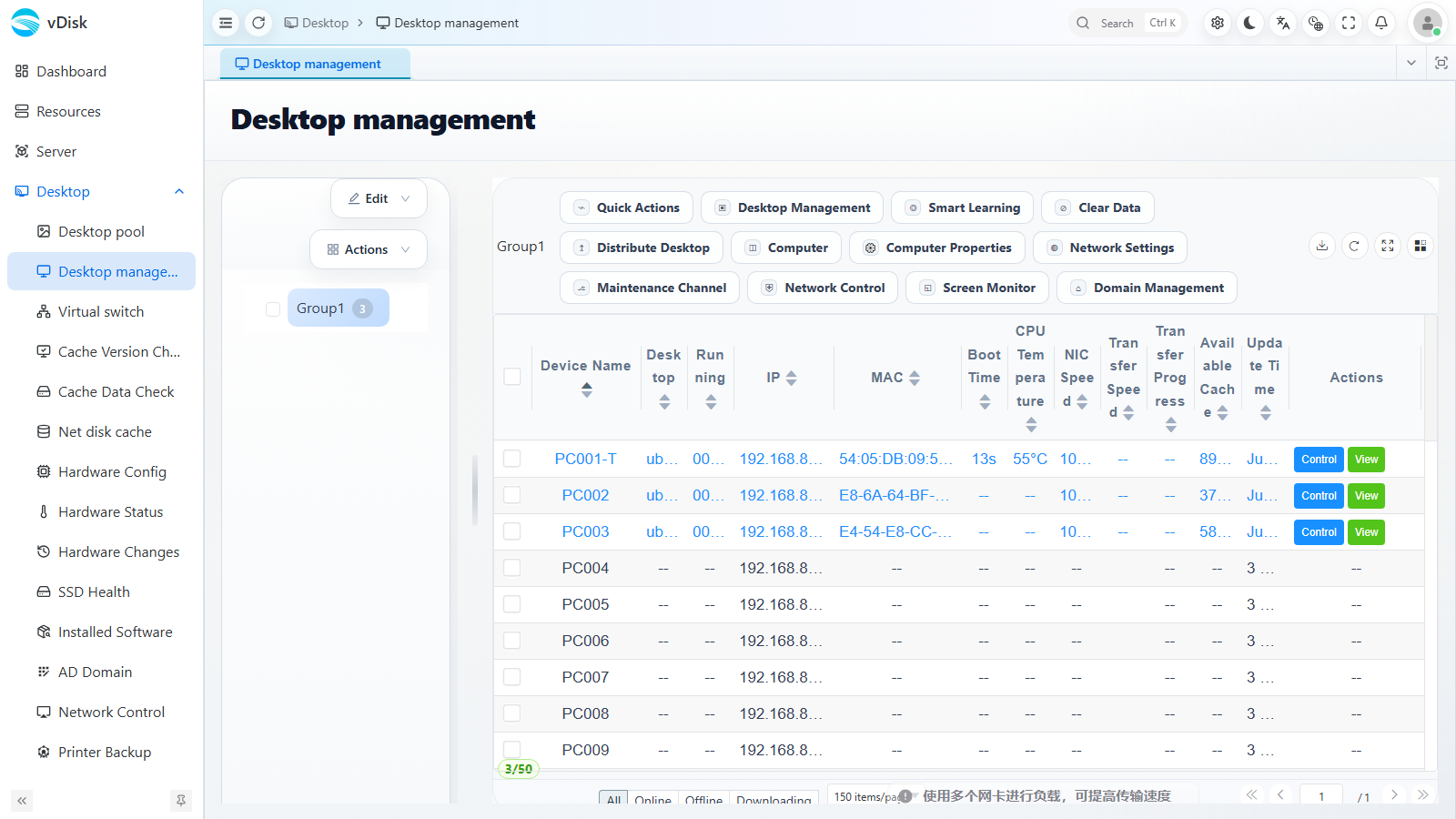
When the desktop shows netboot (network boot) in the upper right corner, you can use a shortcut on the boot menu to enter update mode directly, avoiding the need to repackage and re-upload. The update distribution and status can be viewed in WEB Console → Desktop → Desktop management.
1. Enter Update Mode
In the boot menu, select the system to update (it must be a network boot menu entry) and press Ctrl + U to enter update mode.
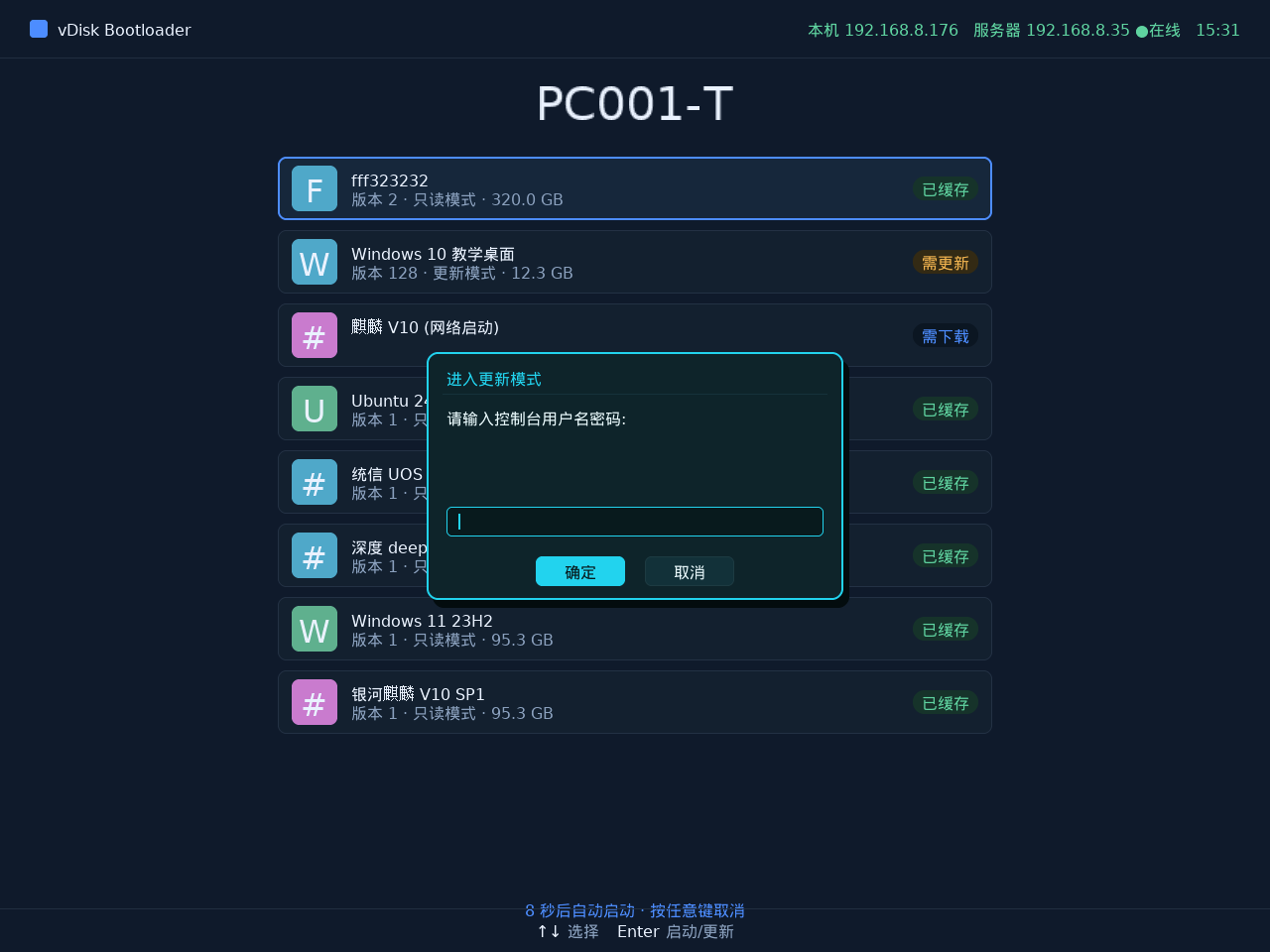
2. Submit the Update
After the update is complete, return to the boot menu, select the system you just updated (don't pick the wrong one), and press Ctrl + P to confirm the update.
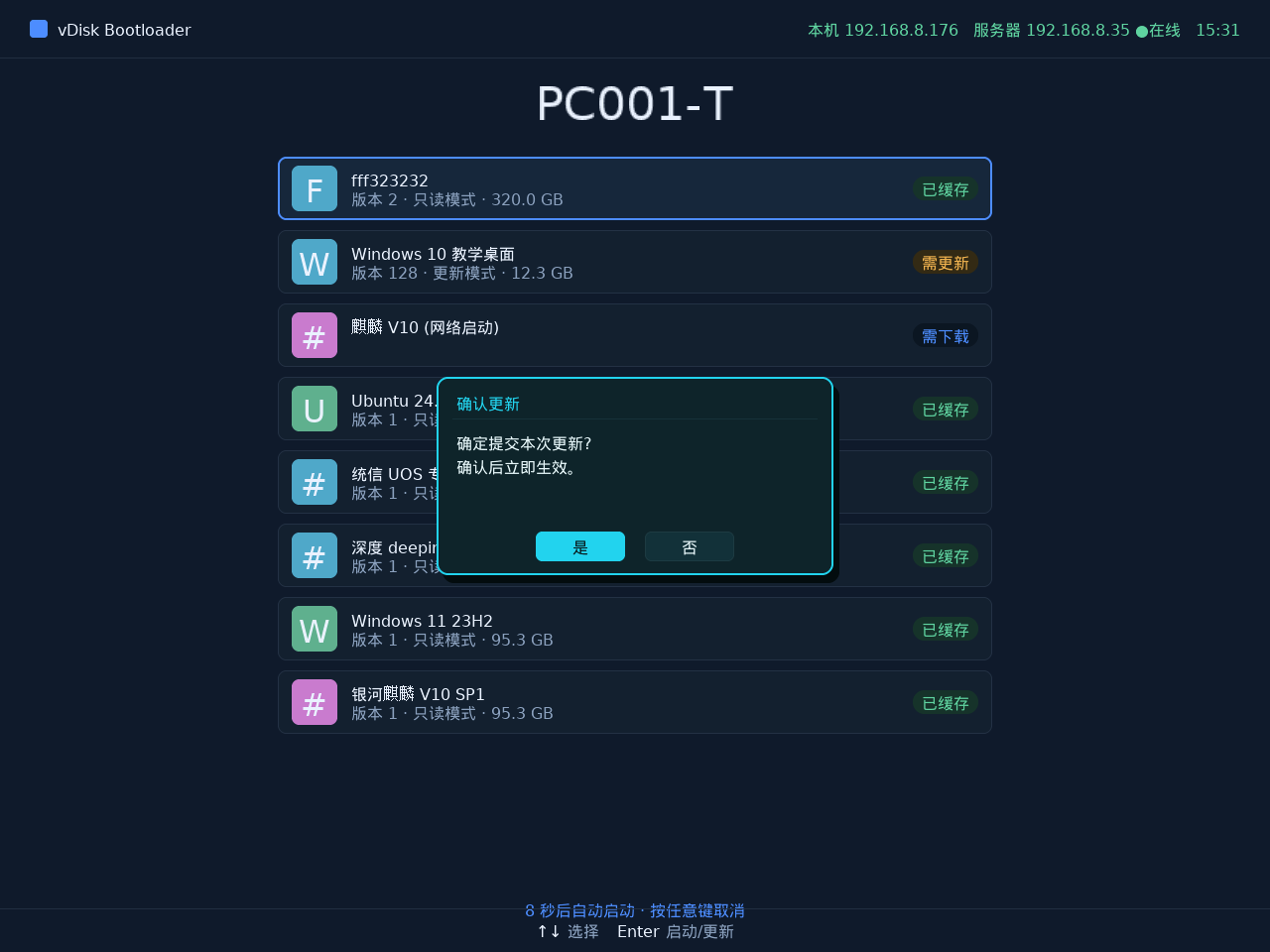
When submitting, fill in the update log and confirm. After confirmation, the system boots in normal mode.
3. Cancel the Update
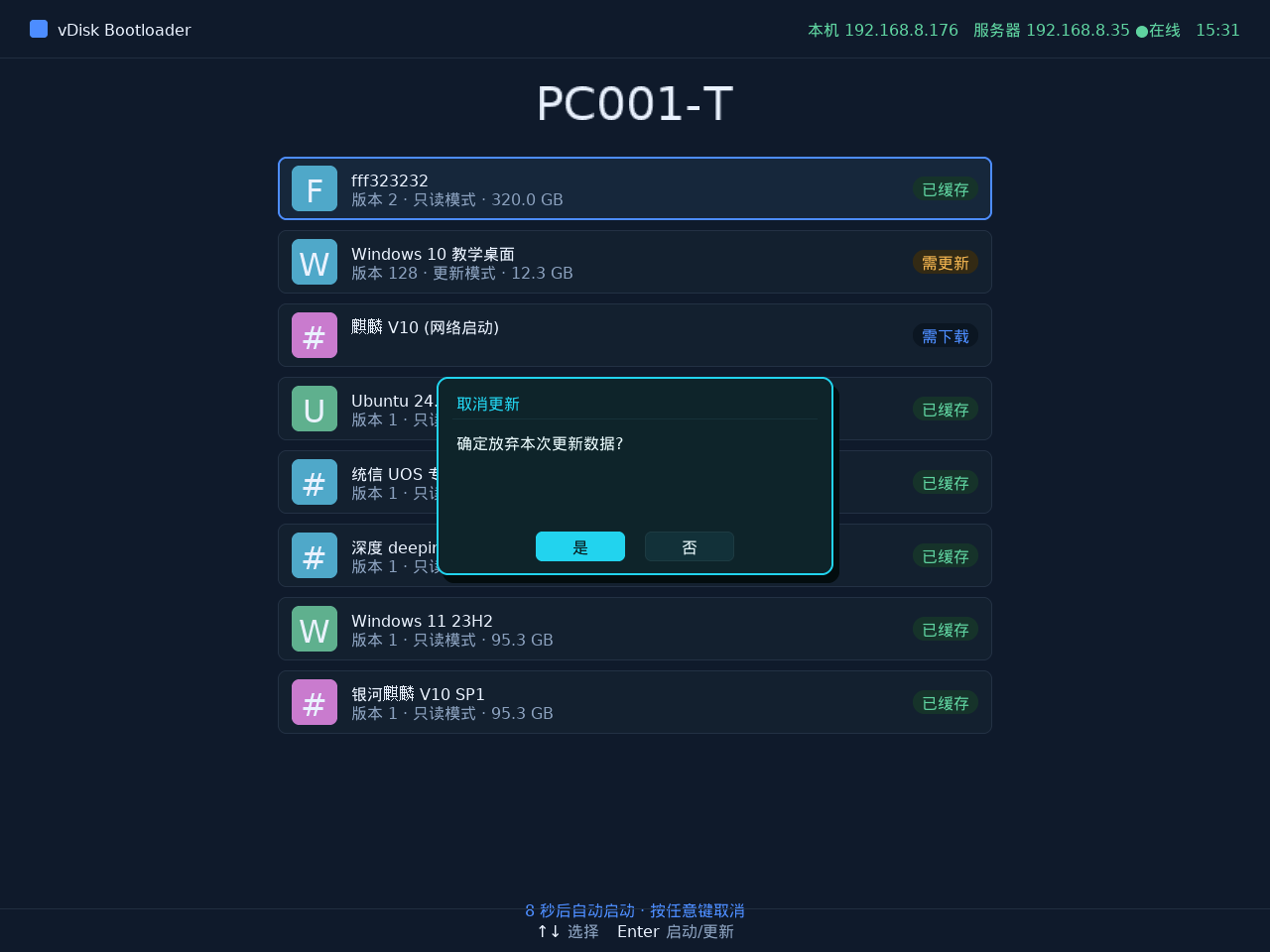
To abandon this update, select the system you just put into update mode and press Ctrl + O to open the cancel dialog.
Distributing and Viewing in the Console
After the update is submitted, in Desktop → Desktop management you can use Distribute Desktop to distribute the new version to other computers, and view each machine's transfer progress and cache status in the list.
Viewing Distribution/Boot Progress in Real Time in the Network Topology
After distribution or network boot, in Desktop -> Virtual switch -> Network Topology you can observe each terminal's IO transfer progress in real time as a topology diagram.
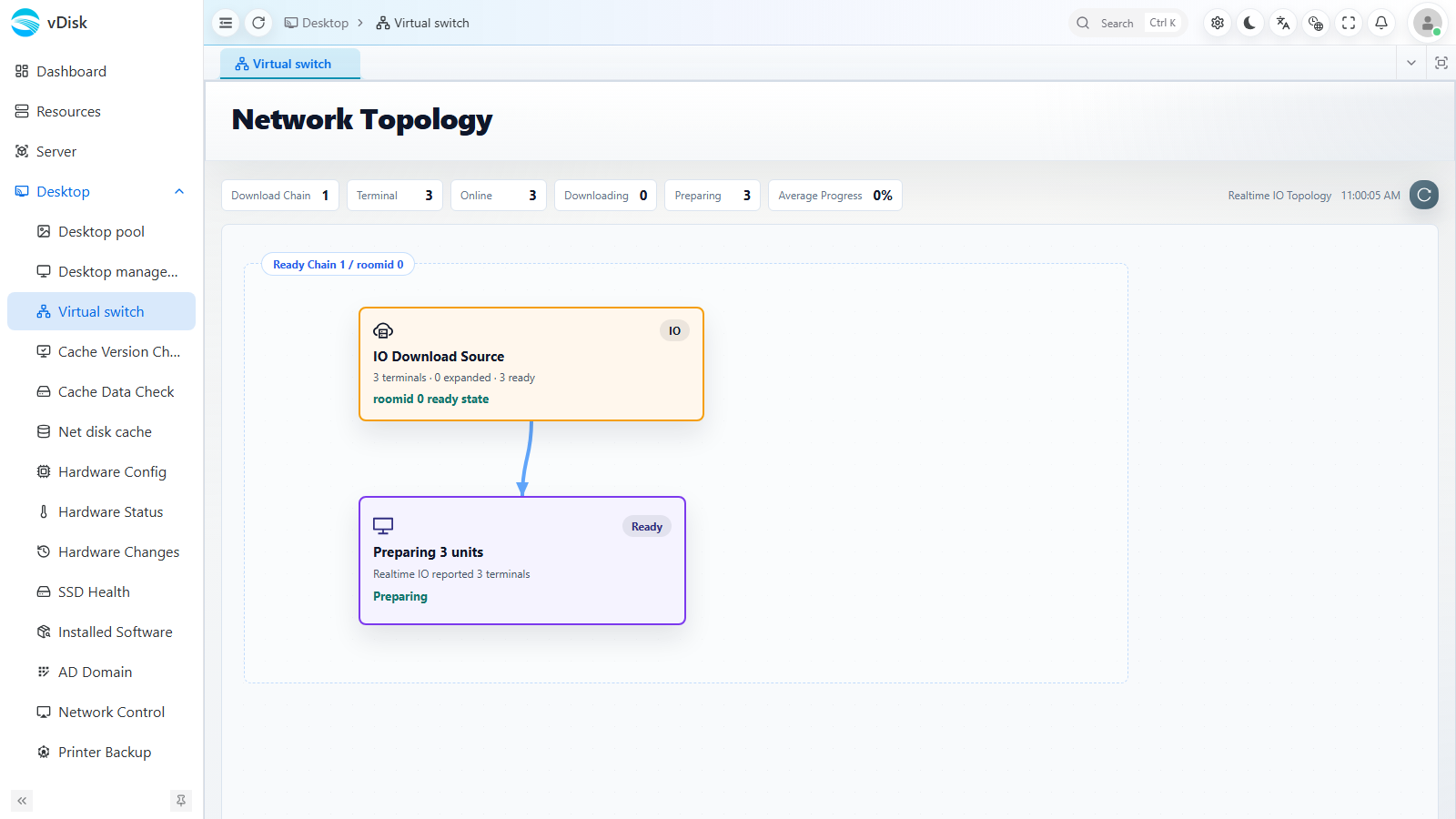
The topology diagram shows the data flow as an IO Download Source -> Preparing units / Ready link: the upstream download source pushes image data to downstream terminals, and the terminals enter the ready state one by one.
The counters at the top let you quickly grasp the overall progress:
| Counter | Description |
|---|---|
| Download Chain | The number of currently active download links |
| Terminal | The total number of terminals participating in this transfer |
| Online | The number of currently online terminals |
| Downloading | The number of terminals currently downloading data |
| Preparing | The number of terminals currently getting ready |
| Average Progress | The average download/preparation progress percentage across all terminals |
The Realtime IO Topology at the top right keeps refreshing, so you can judge whether the distribution/network boot is progressing normally; if a link stalls for a long time, you can investigate further using the transfer progress in Desktop management.