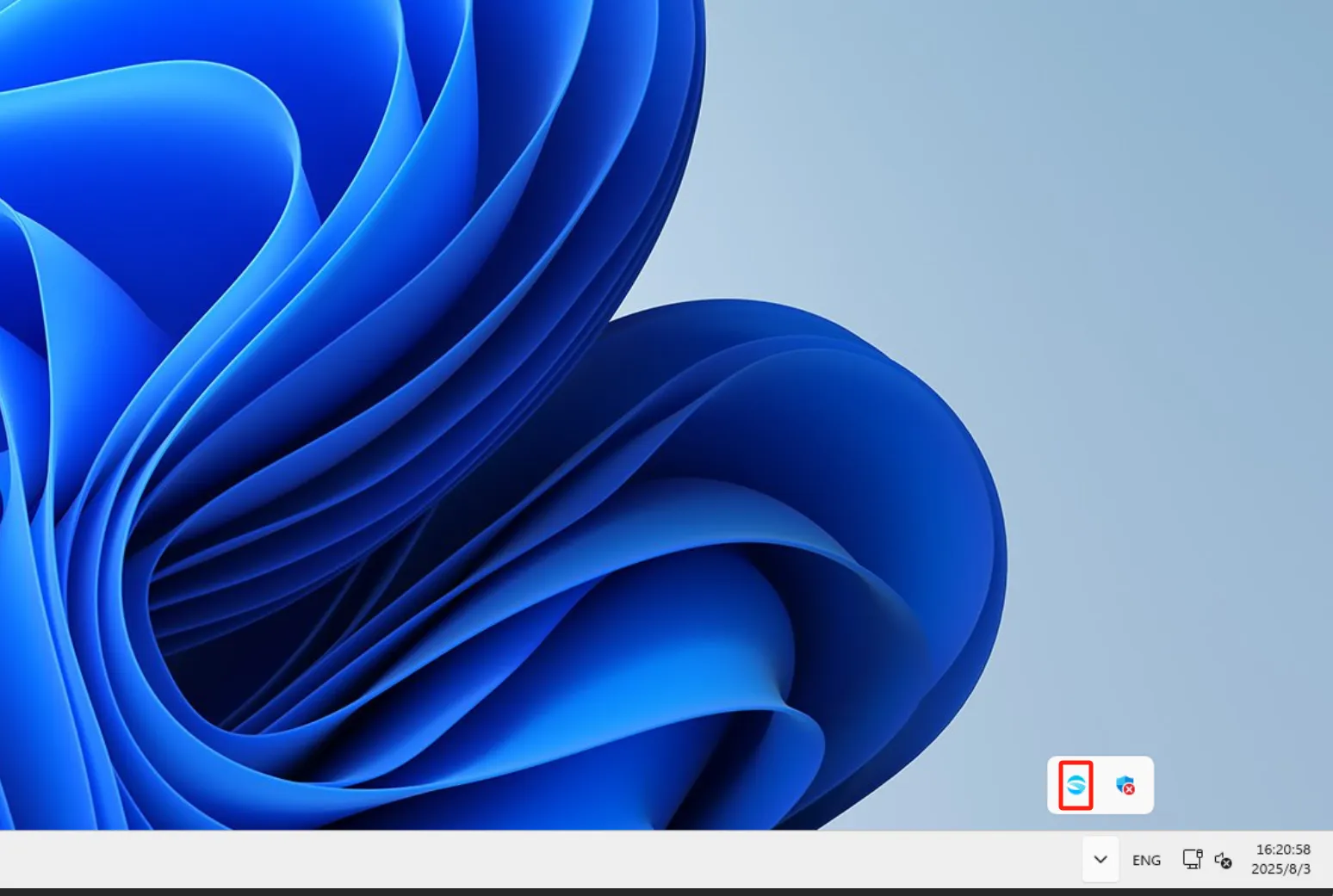
1) Right-click the client and choose System Settings
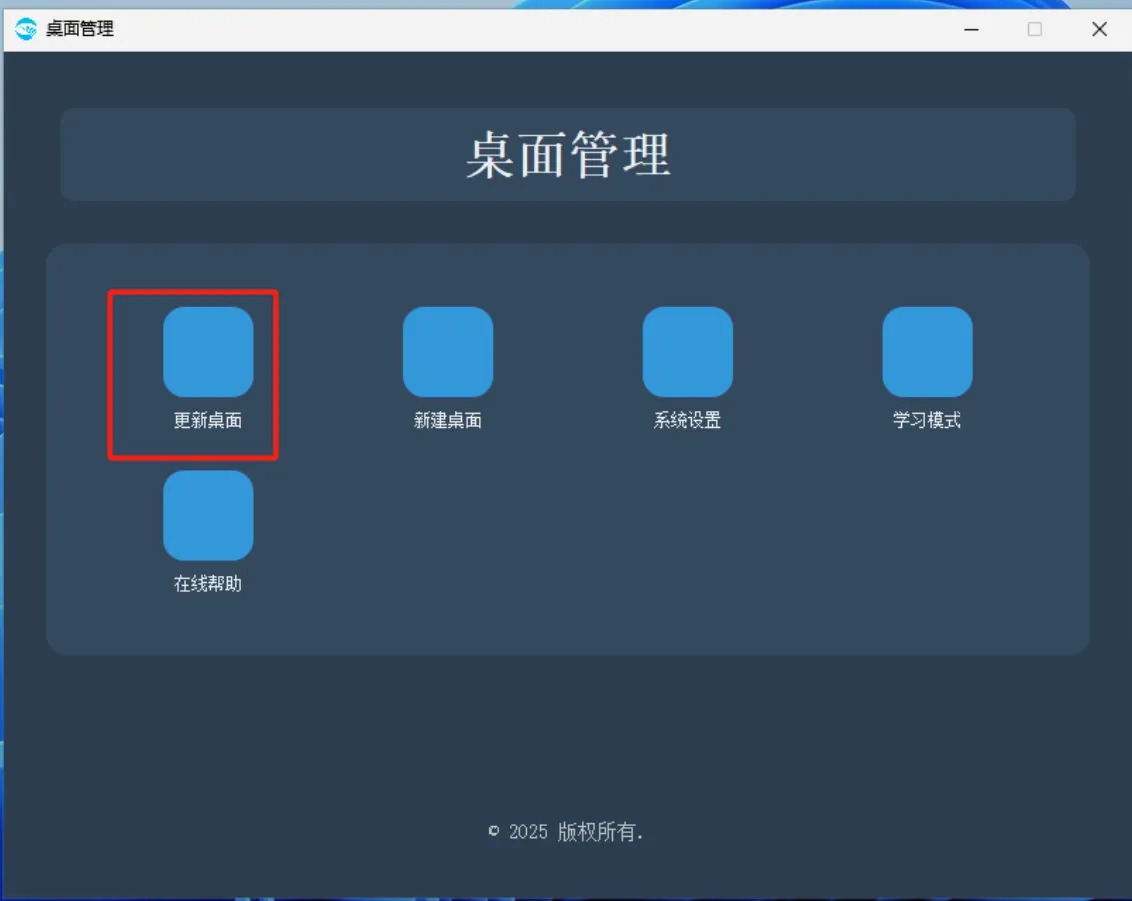
2) Select Update Desktop
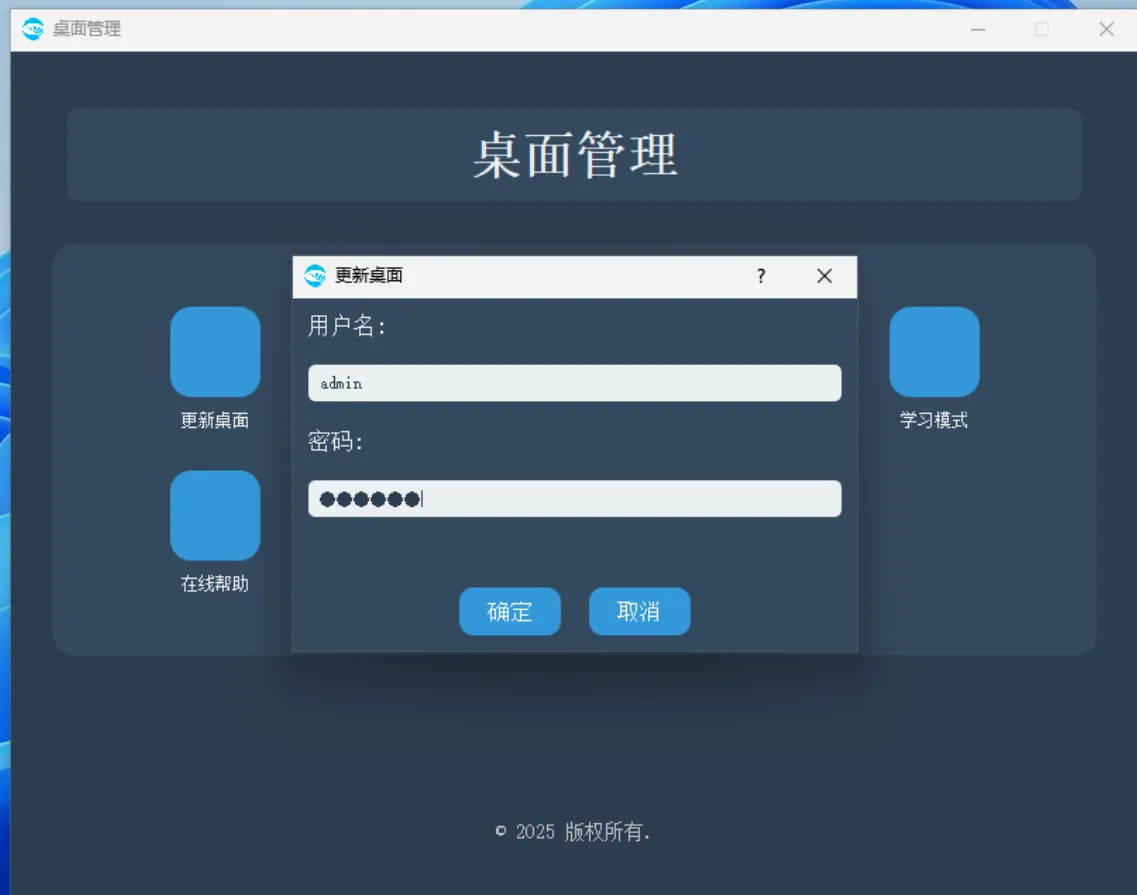
3) Enter the console username and password
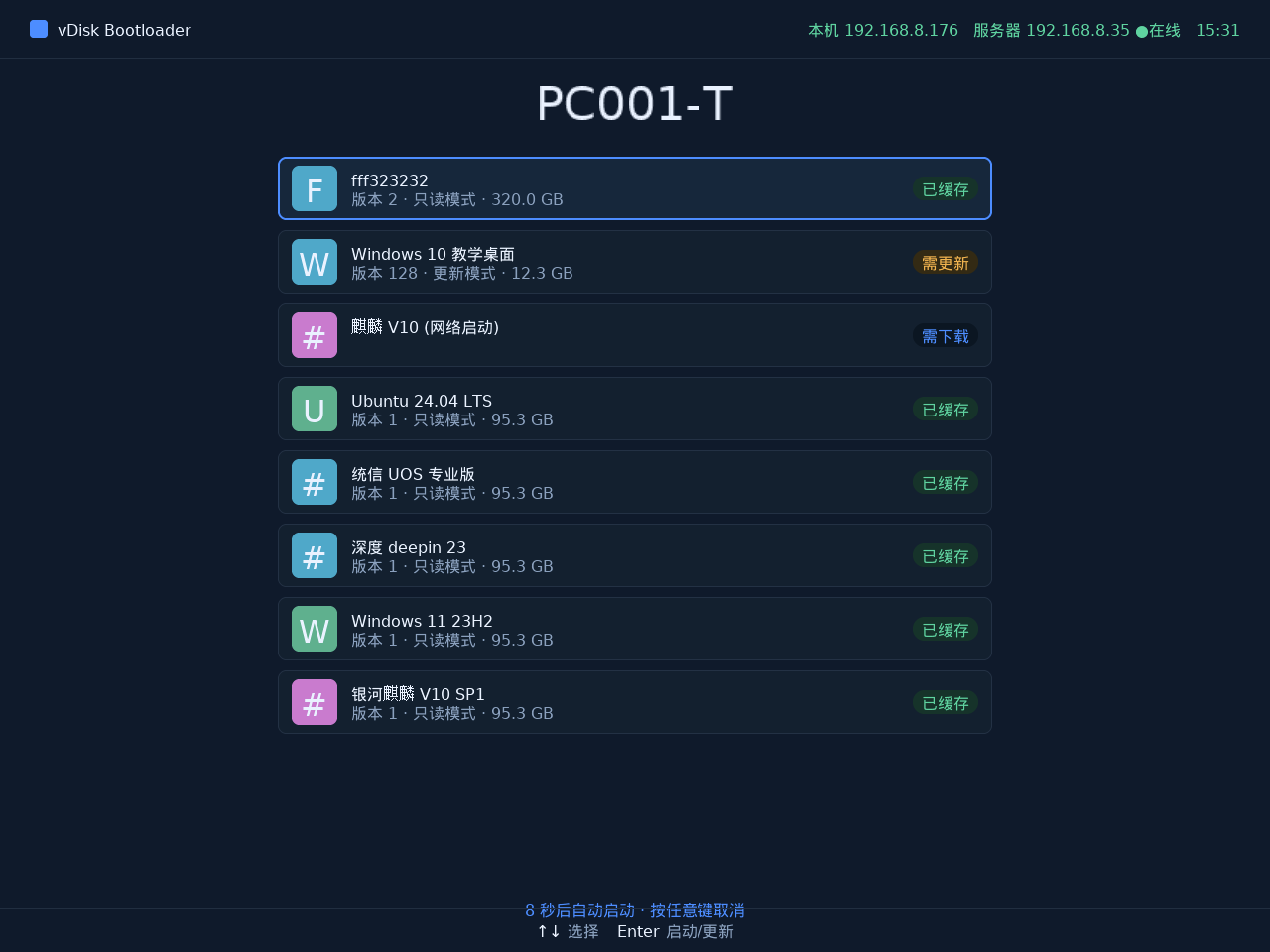
4) Select the content to update
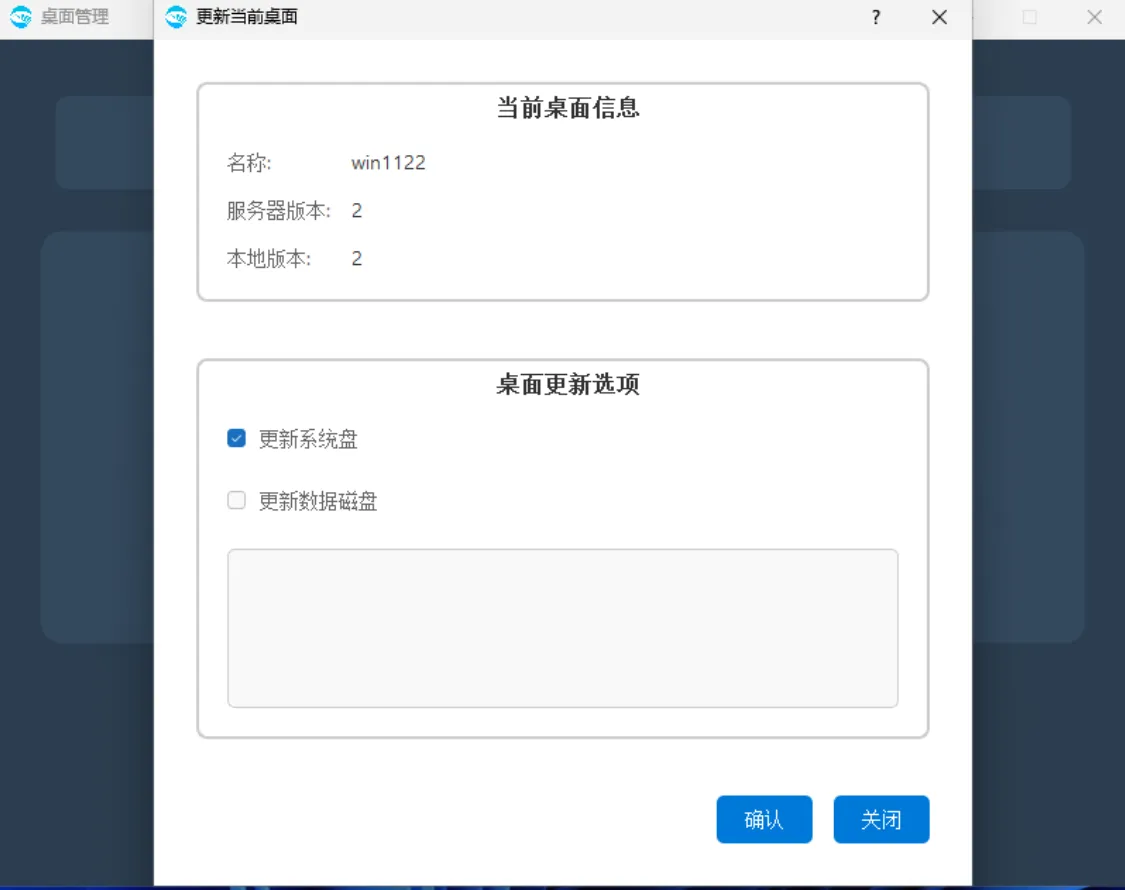
Updating the system disk usually refers to the C drive. If a data disk has been specified, you can also select "Update Data Disk" at the same time.
5) At this point, you can perform system operations
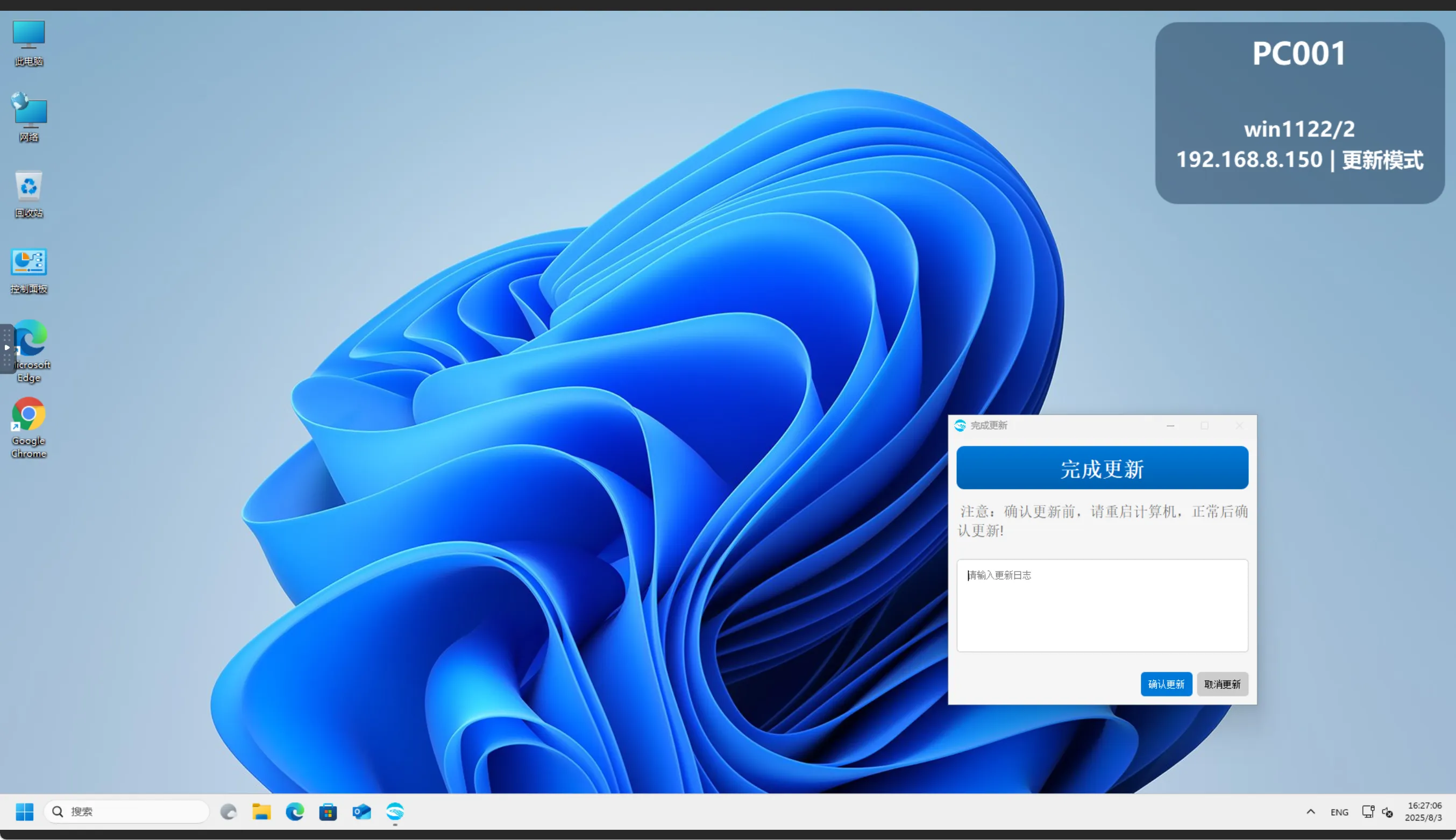
After the update is complete, restart the computer first to verify that the update content meets requirements. After verification, click Confirm Update to close the update operation.
6) Merge local and server data
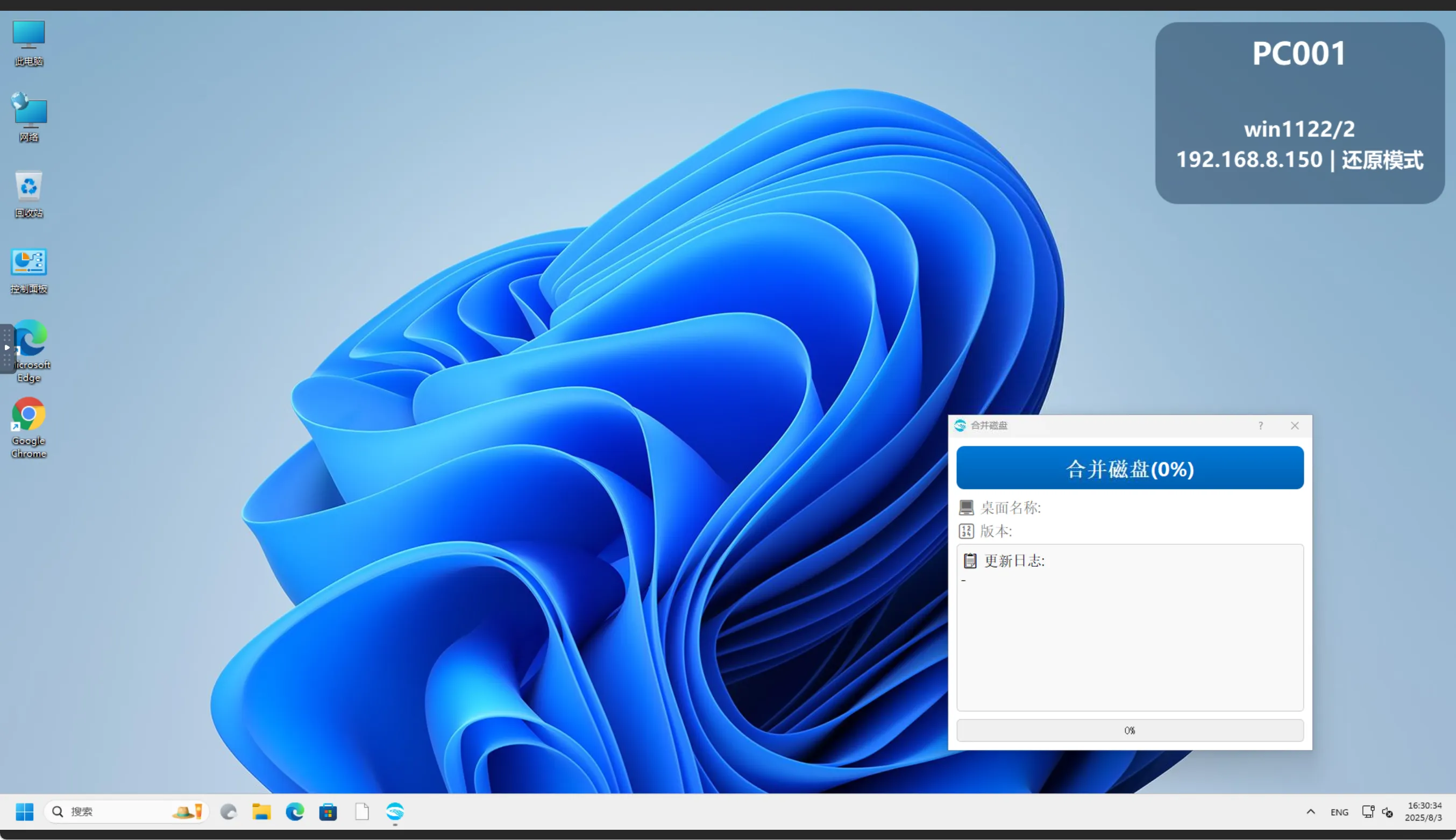
7) Merge complete
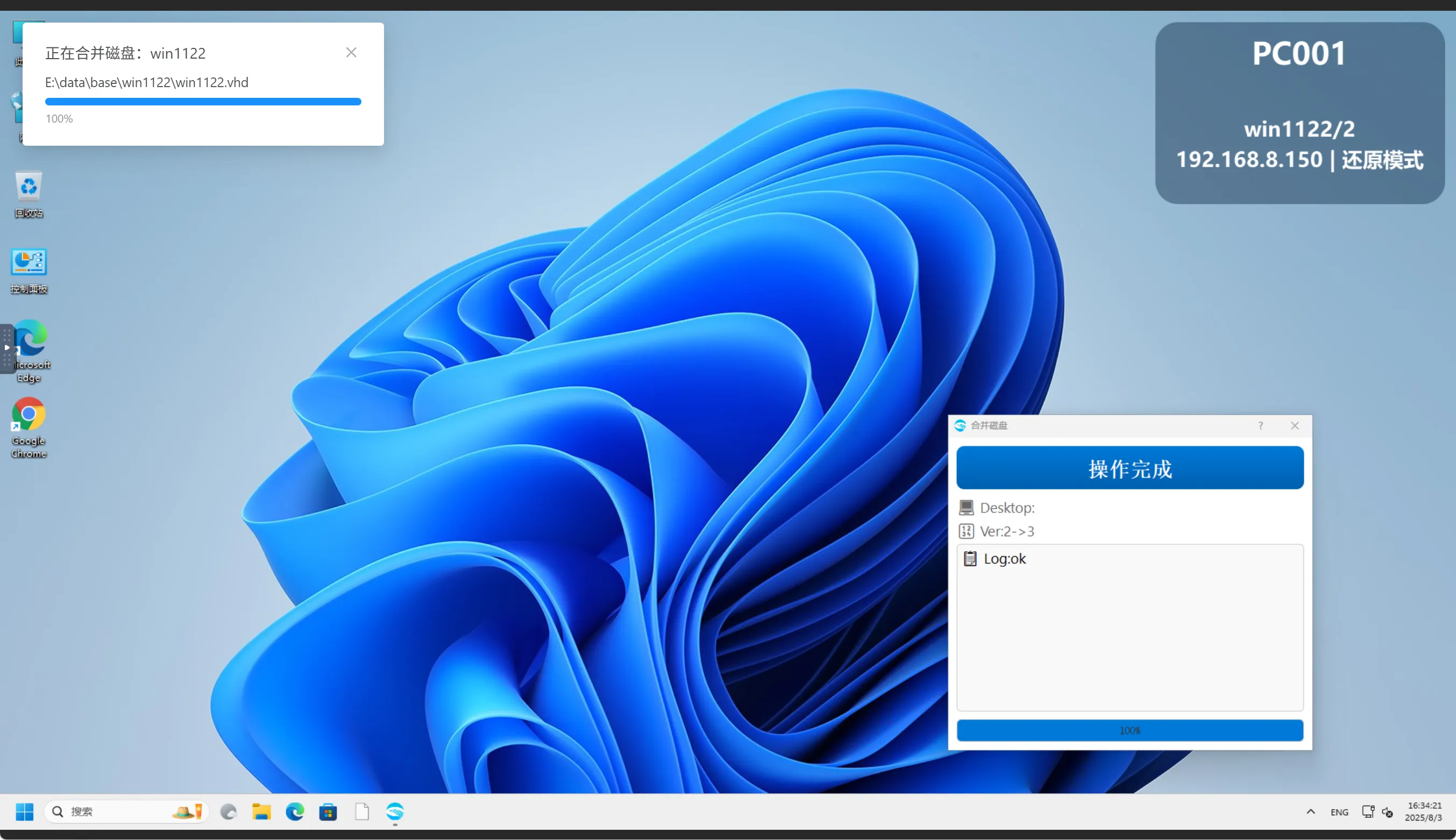
8) Push the update
Pushing the update is done in the console. Go to Desktop -> Desktop management and select the target group / terminal.
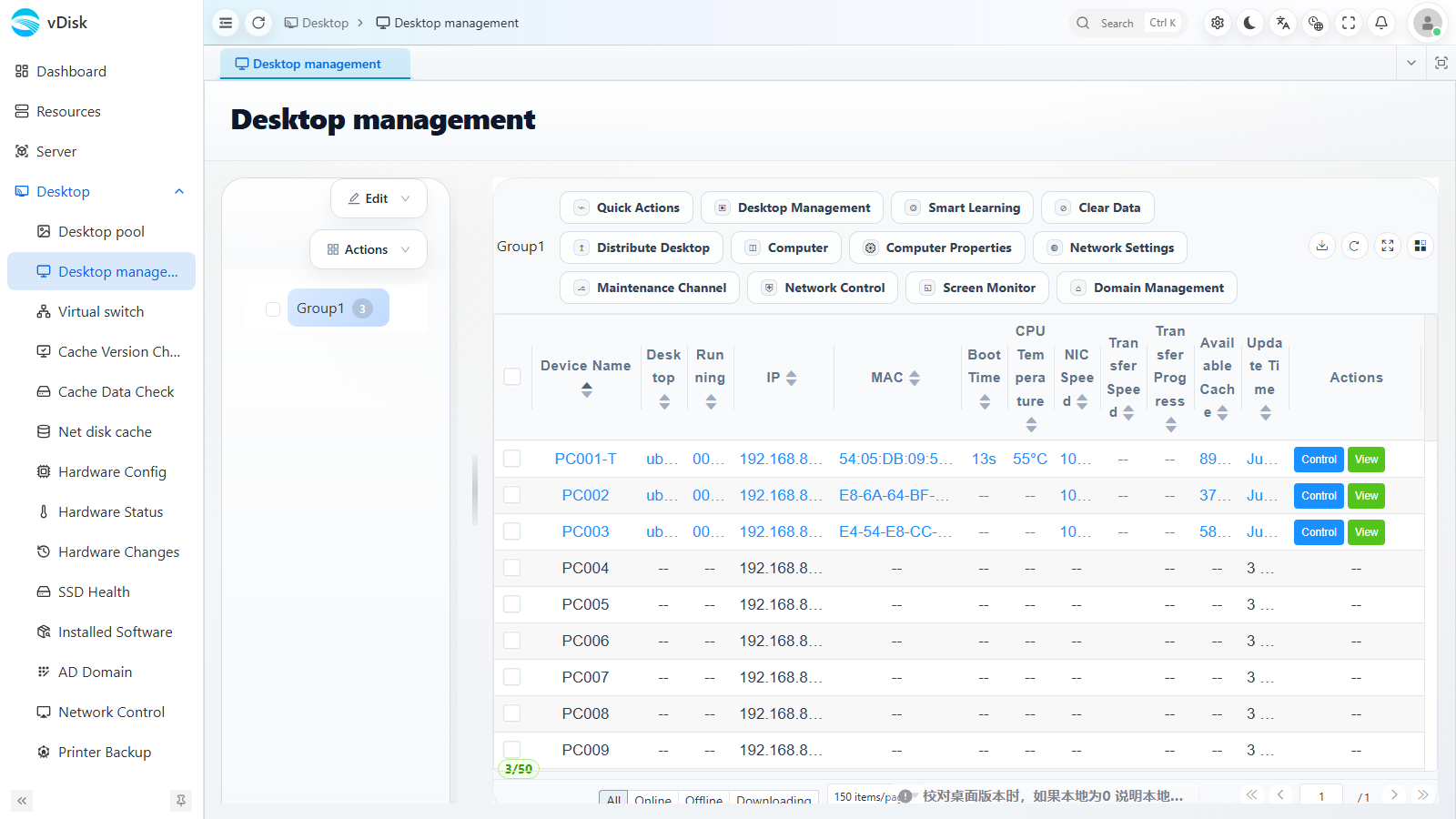
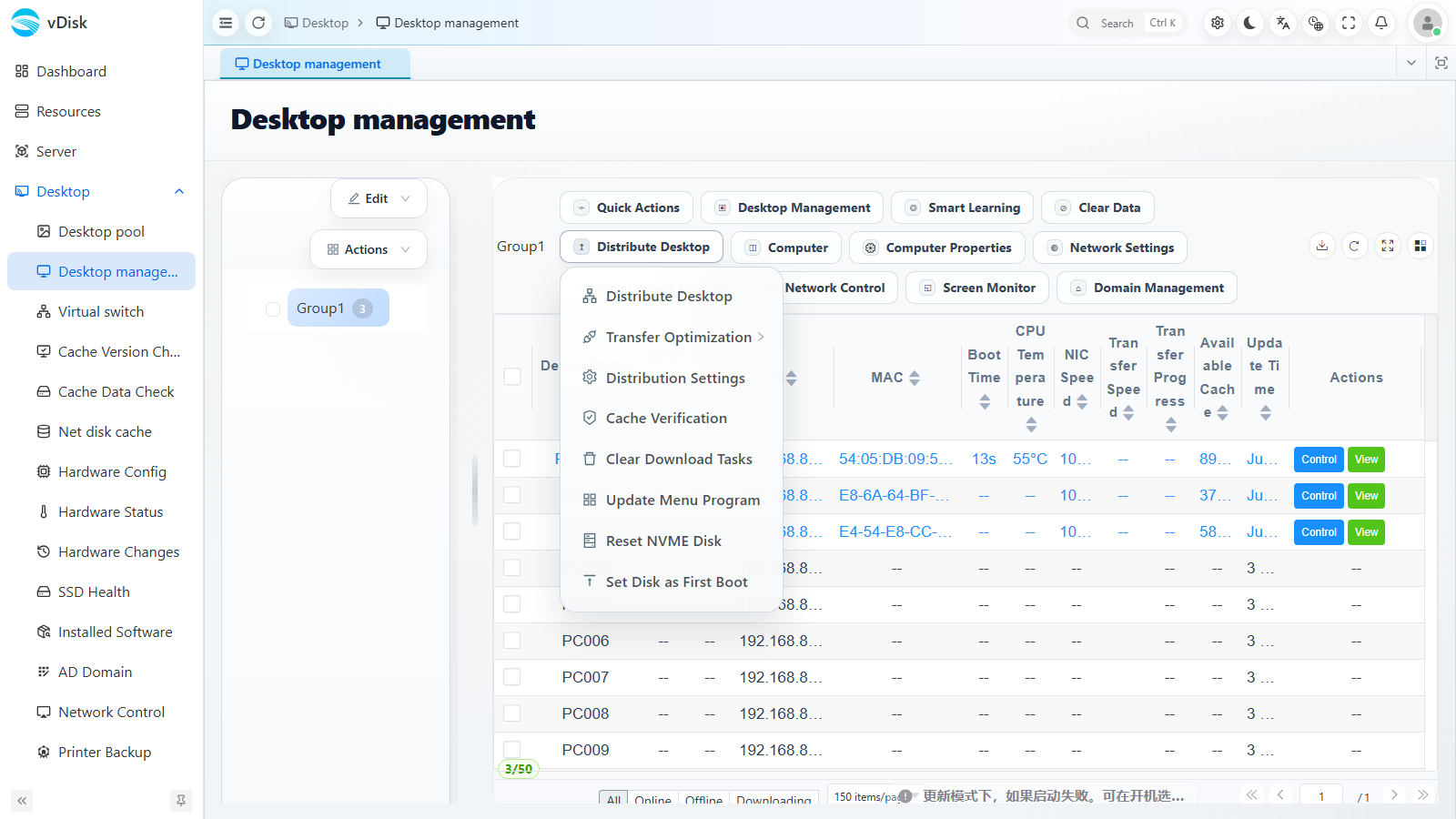
Click Distribute Desktop in the Distribute Desktop dropdown menu in the toolbar.
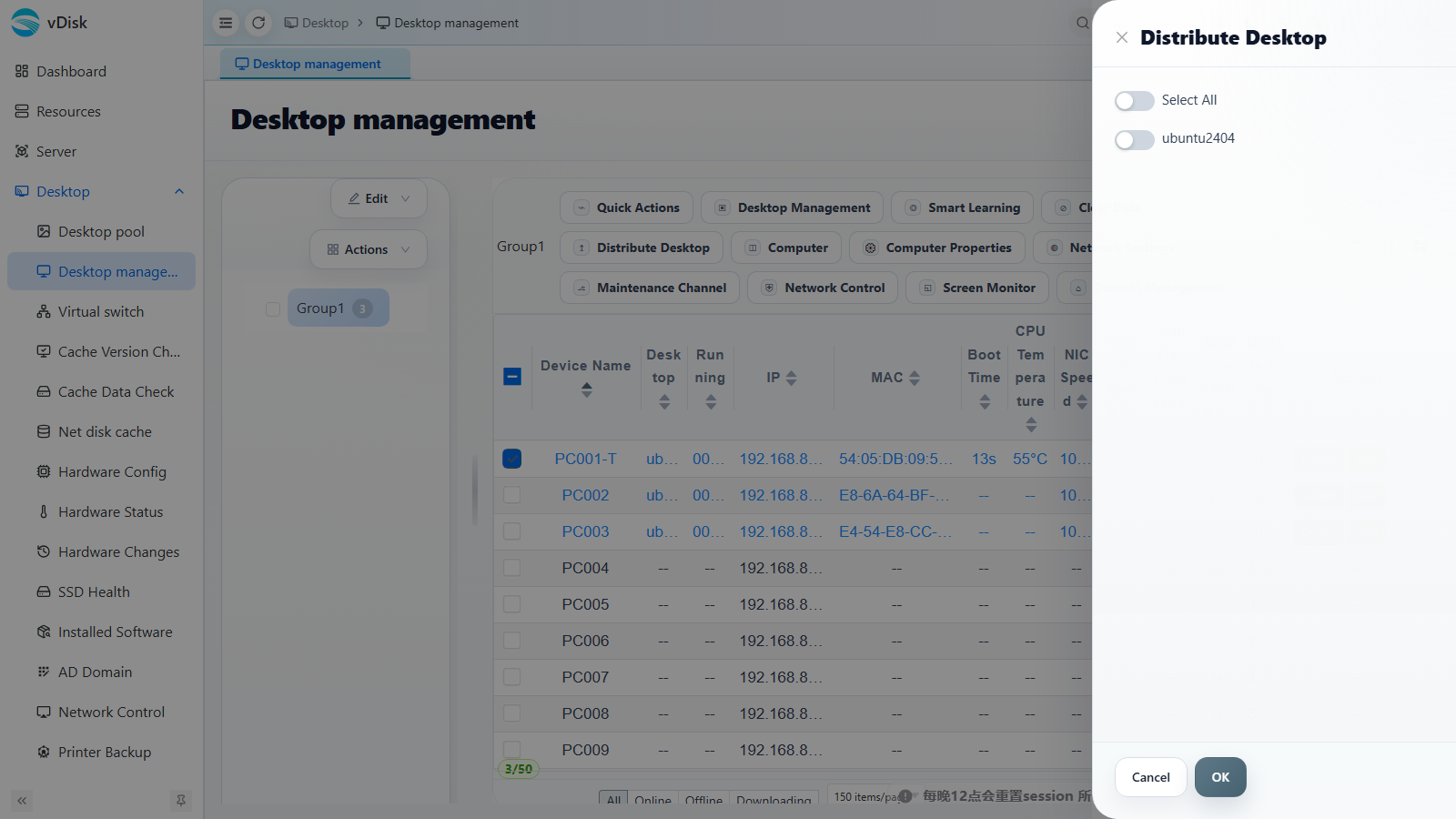
In the drawer that pops up, check the desktops to push (you can click Select All), then confirm to start pushing.
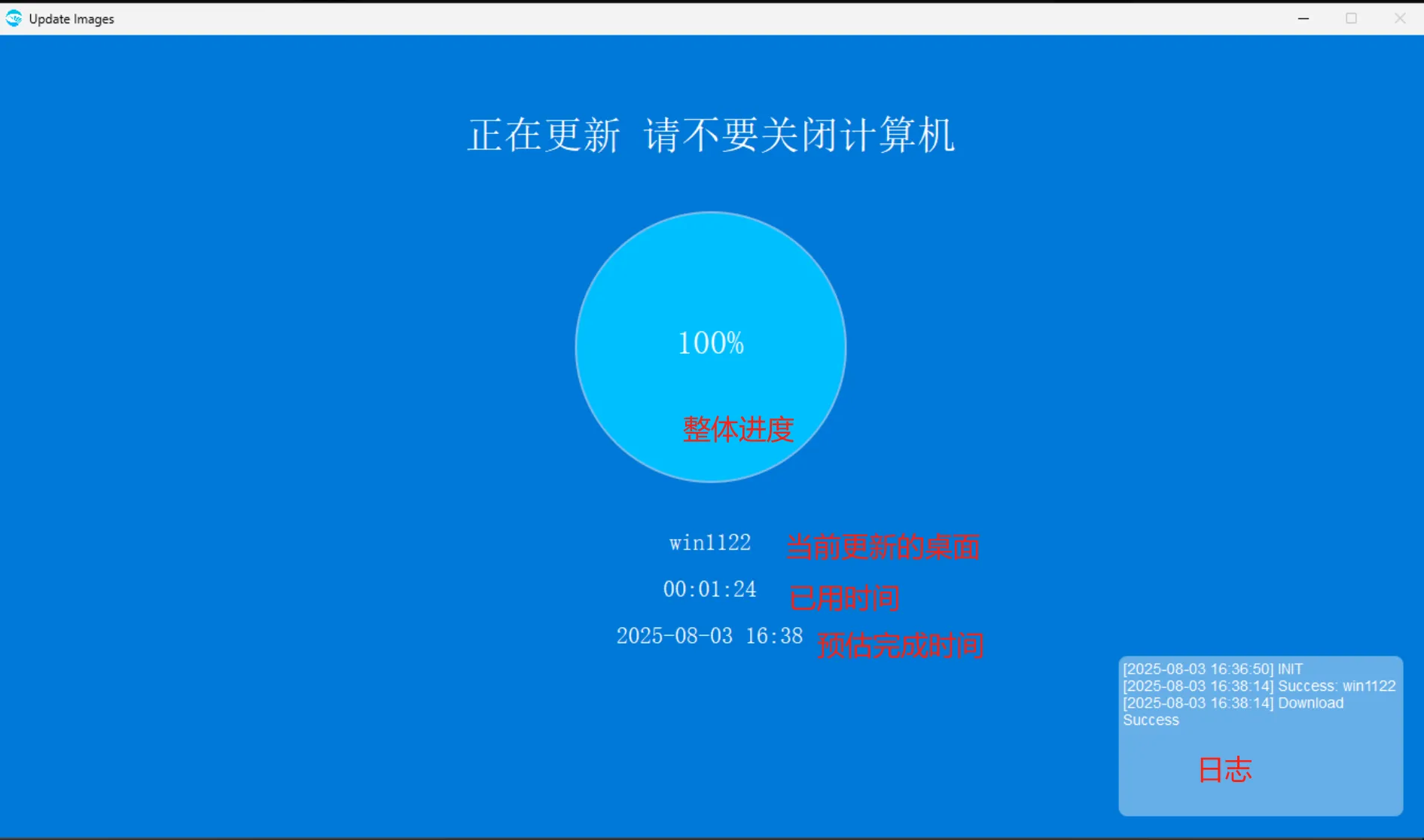
9) After the push is complete, restart the computer
10) Important Notes