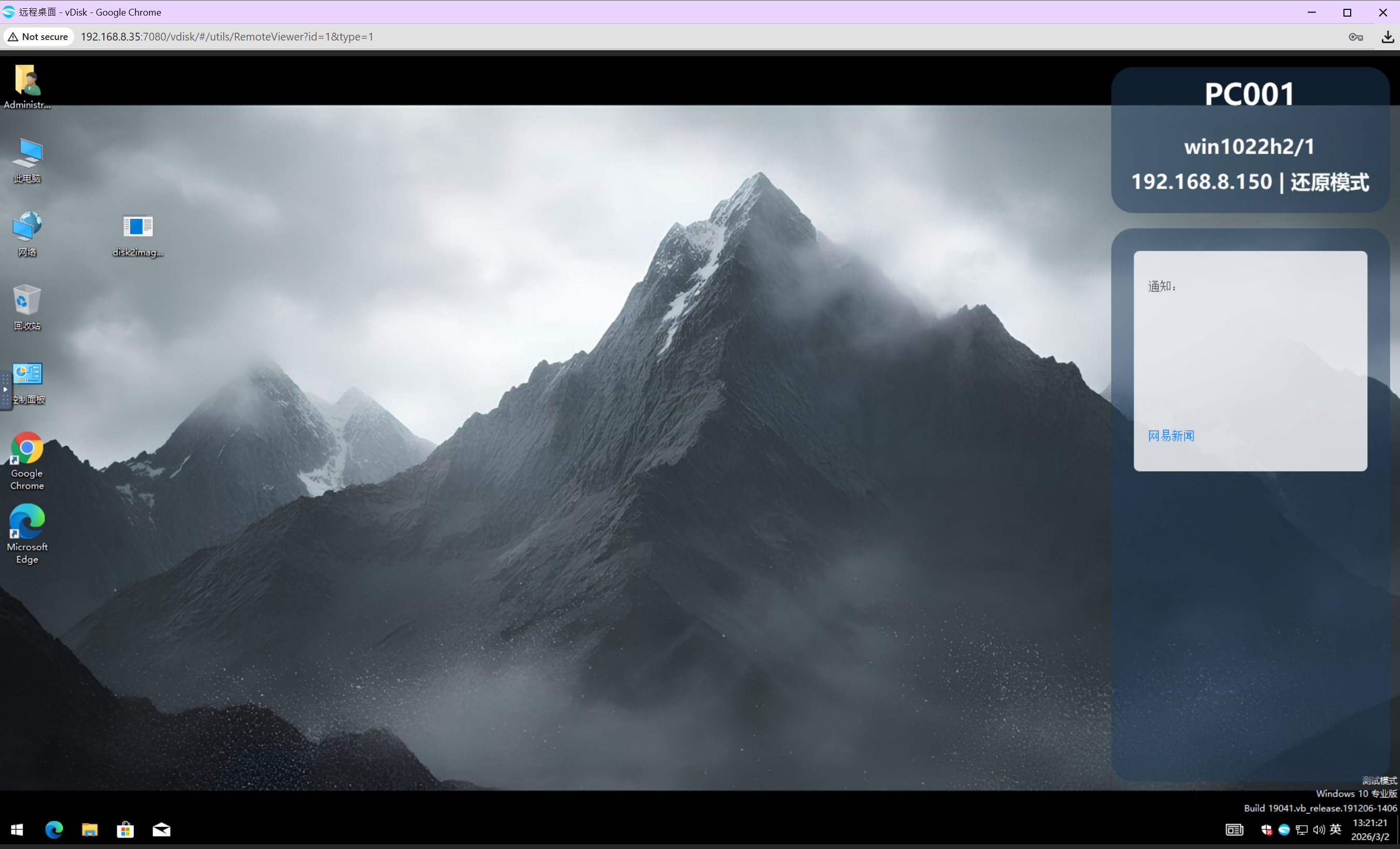
How to Set Desktop Wallpaper in Bulk
1. Go to Desktop -> Wallpaper
In the left menu, under Desktop select Wallpaper to enter the wallpaper template list. The list shows each template's preview image, resolution, applied groups, display mode, and status.
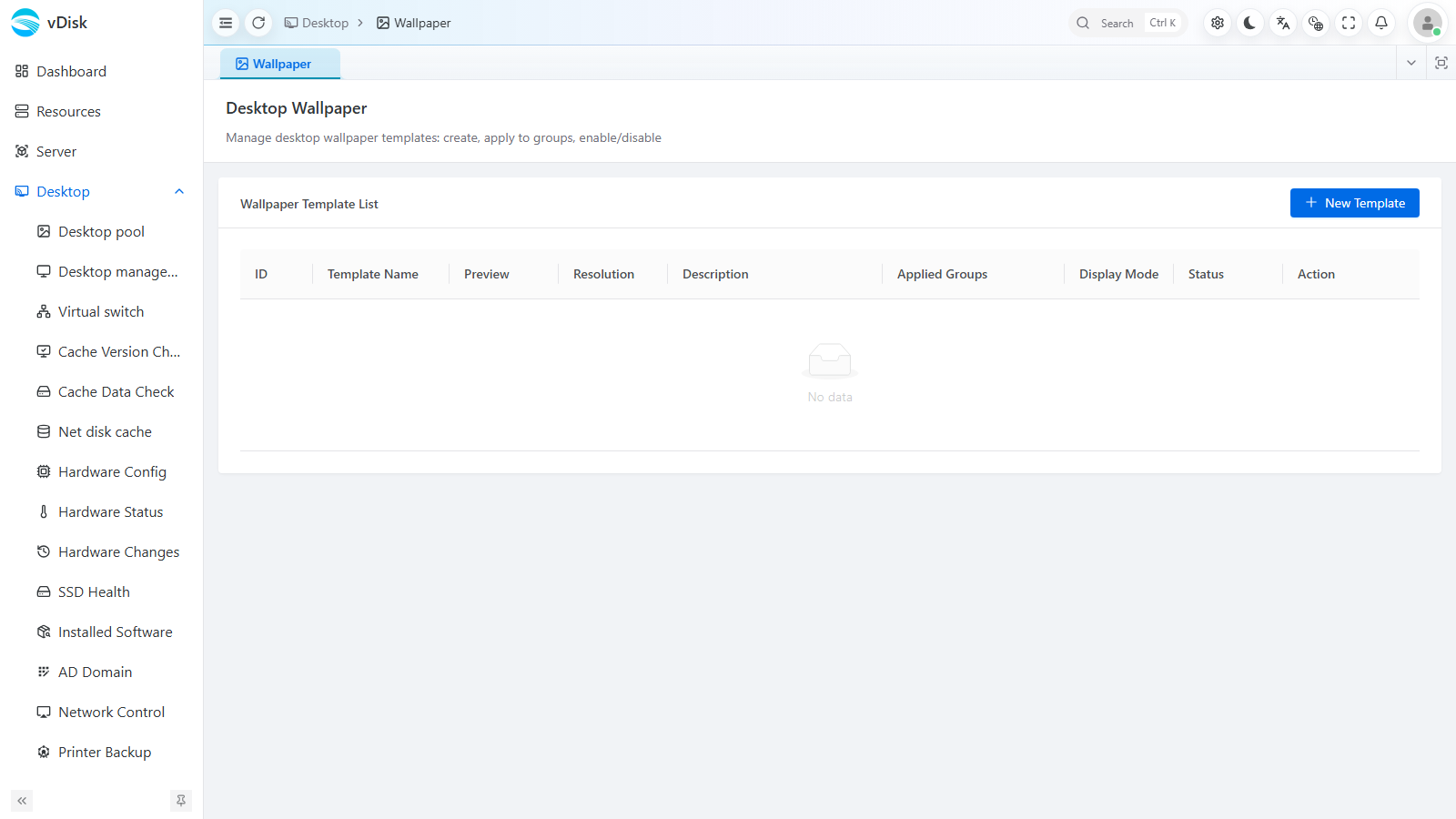
2. New Template
Click New Template at the top right and fill in the template information in the dialog that pops up.
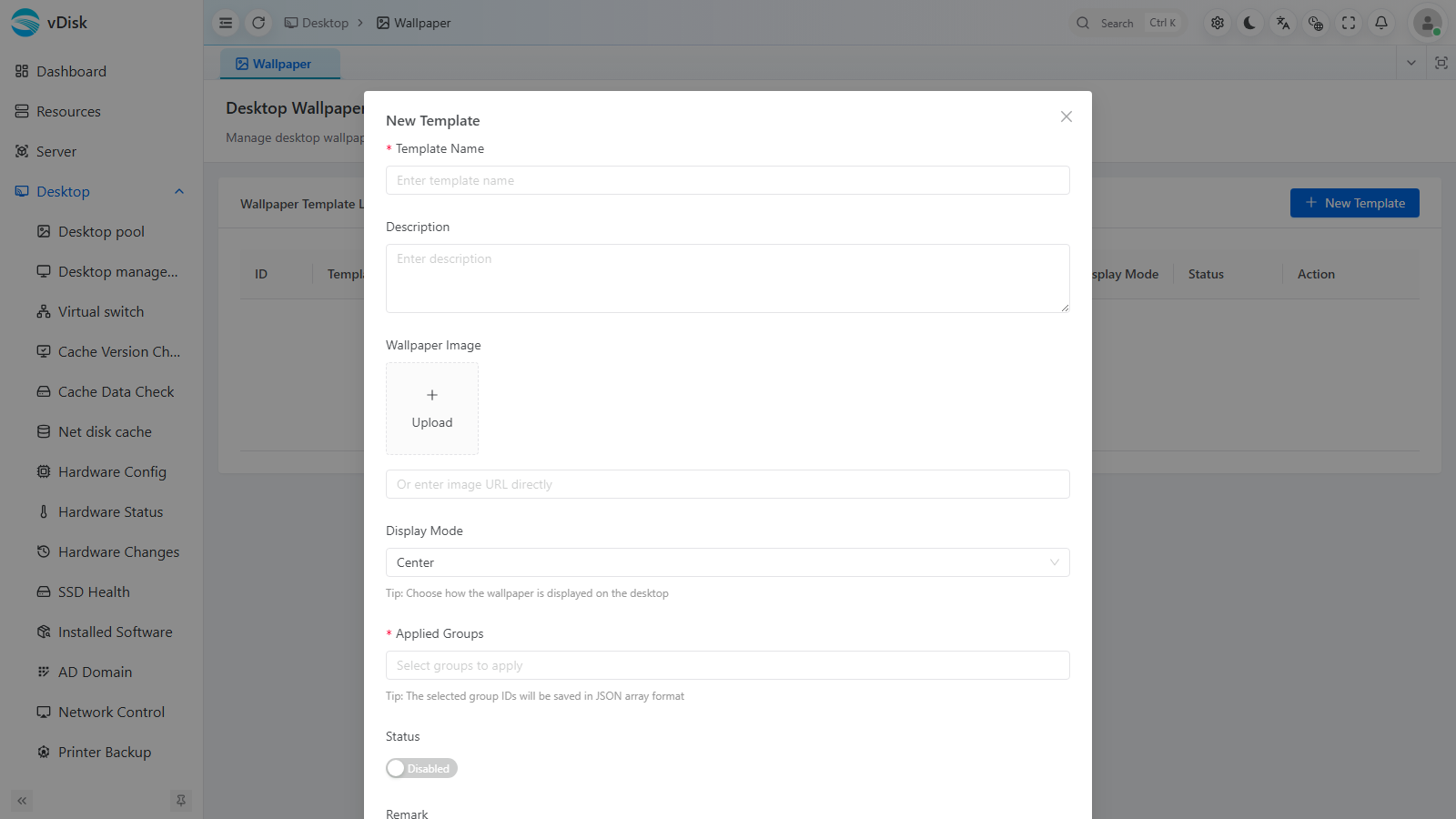
Template Name: Used as an identifier; you can create multiple, e.g. "National Day", for easy reuse later.
Description: For notes only; can be left blank.
Wallpaper Image: Supports uploading an image or entering an image URL directly. Images that are too small are not recommended; 1920×1080 is preferred.
Display Mode: For oversized images you can select Center; for undersized images use Stretch.
Applied Groups: Select which groups it applies to.
Status: Only one active template is allowed per group.
3. After creating the template, simply restart the computers — the wallpaper will take effect after the restart