Schedule Feature Overview
The Schedule module connects the academic affairs center's class-scheduling data to the cloud desktops, enabling features such as automated classroom operations driven by the schedule and displaying the schedule in the console, interactive screen, and Mini Program. The left Schedule menu contains the following sub-functions:
| Menu | Description |
|---|---|
| Classroom Status | View in real time each classroom's current-period course, teacher, week, and status |
| Course Desktop | Map cloud desktops to time slots by dragging them onto a weekly schedule grid by course time |
| Schedule Import | Parent menu, containing the two methods "Import" and "API Real-Time Fetch" |
| Schedule List | Query, filter, and manage all imported schedule records |
| Teacher Management / Course Management / Classroom Management | Maintain basic information such as teachers, courses, and classrooms |
| Desktop-Schedule Mapping | Set the mapping between cloud desktop groups and the academic schedule classrooms |
| Detailed Schedule | View, in a weekly view, the schedule of the classroom bound to a group, with support for PDF export and printing |
Classroom Status
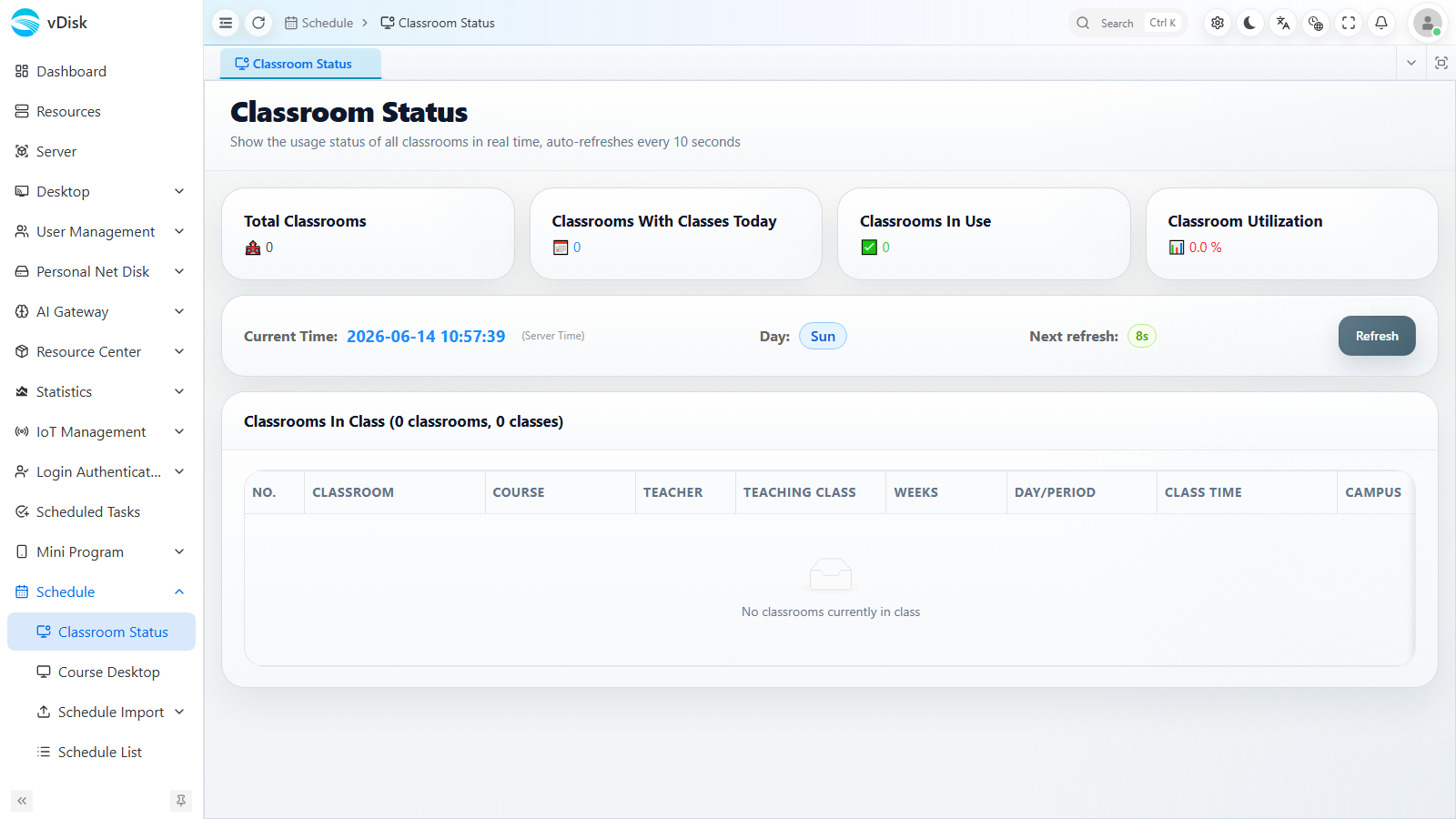
Go to Schedule -> Classroom Status to view in real time each classroom's current / daily course, teacher, teaching class, week, period, class time, campus, and status.
Course Desktop
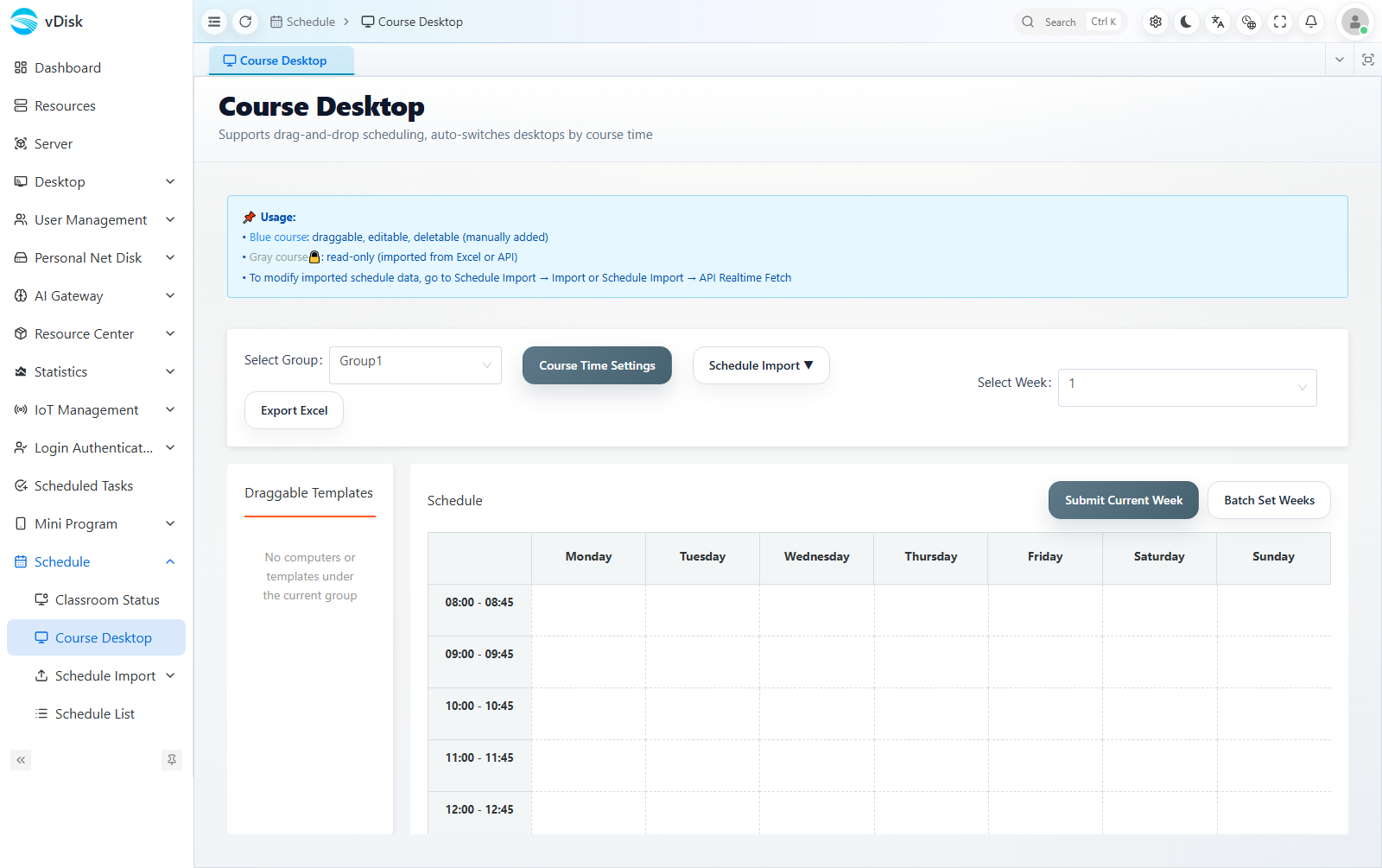
Go to Schedule -> Course Desktop to display courses for each time slot in a weekly schedule grid. You can drag "draggable desktop templates" into the corresponding time slots to distribute different cloud desktops by course time; it supports class-time setting, importing schedules, batch-setting weeks, exporting to Excel, submitting the current week, and other operations.
Detailed Schedule
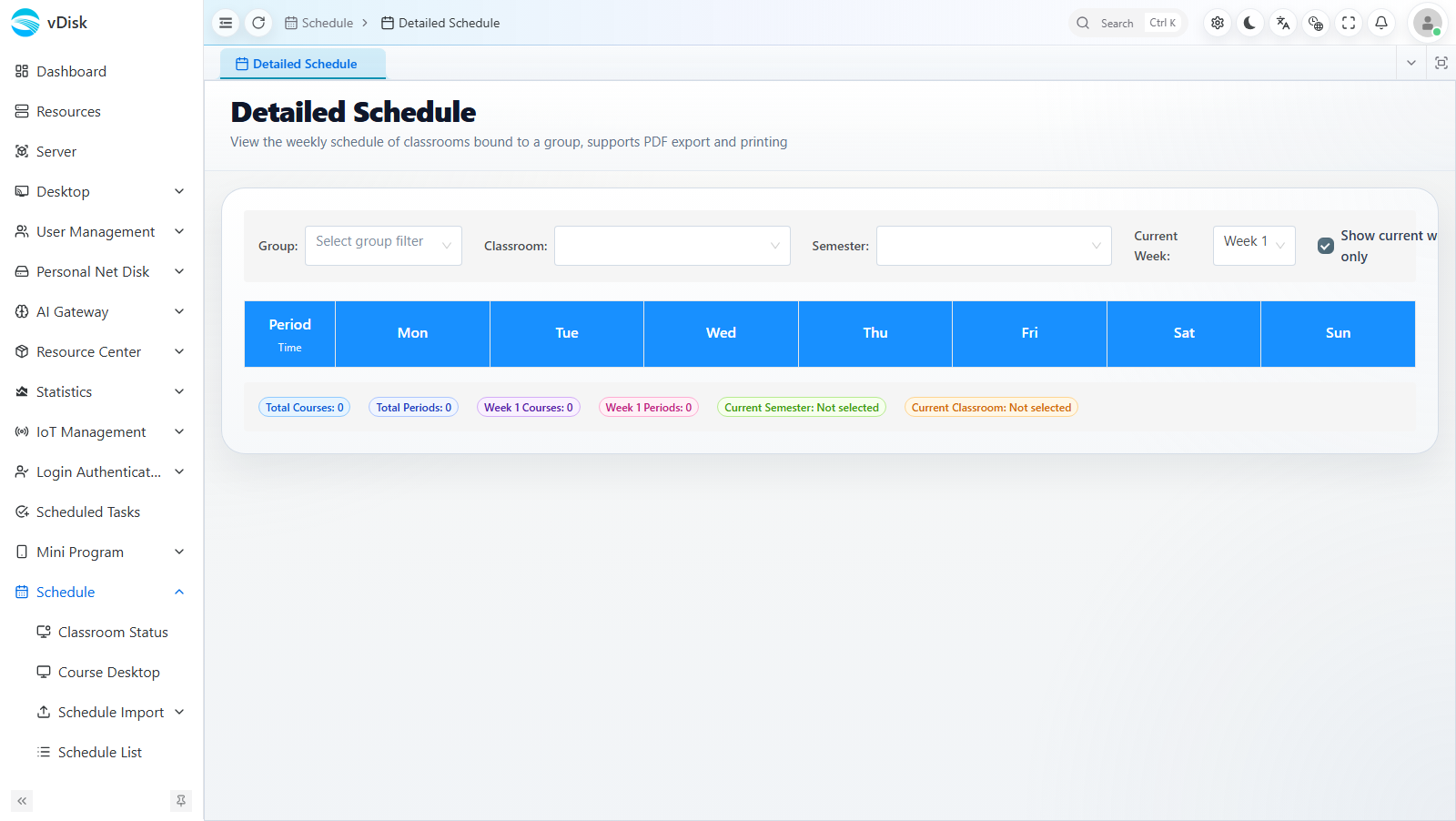
Go to Schedule -> Detailed Schedule, select the group, classroom, and term, and view the complete schedule for that classroom in a weekly view. You can check "Show current course only", and it supports PDF export and printing.
Schedule Import Methods
| Method | Description | Applicable Scenario |
|---|---|---|
| Import Excel Template | Download the system-provided schedule template, fill it in according to the format, and upload to import | Manual schedule maintenance; one-time or periodic bulk import before the term begins |
| API Real-Time Fetch | Connect to third parties such as the academic affairs system via API to automatically sync schedule data | Integration with existing systems; automatic schedule updates |
Schedule Usage Scope
The schedule is primarily used in the following ways:
- Display in-session classrooms in the console: View each classroom's current / daily schedule and class status in the management console (Classroom Status / Detailed Schedule).
- Display the current classroom schedule in the WeChat Mini Program: View the current classroom's schedule information through the Mini Program.
- Display the schedule on interactive screens: Show the classroom's schedule content on the classroom interactive screen.
- Automatically operate classrooms according to the schedule plan: Automatically perform power-on/off, desktop switching, and other operations according to the schedule times.