Schedule Linkage
Schedule Linkage is driven by the schedule and automatically links and controls devices and desktops according to the teaching plan: at the scheduled class start/end times, it automatically performs power-on, shutdown, and desktop switching, as well as linked actions for IoT devices such as access control and surveillance; it does not trigger outside the scheduled times, thus avoiding the risk of accidental operations.
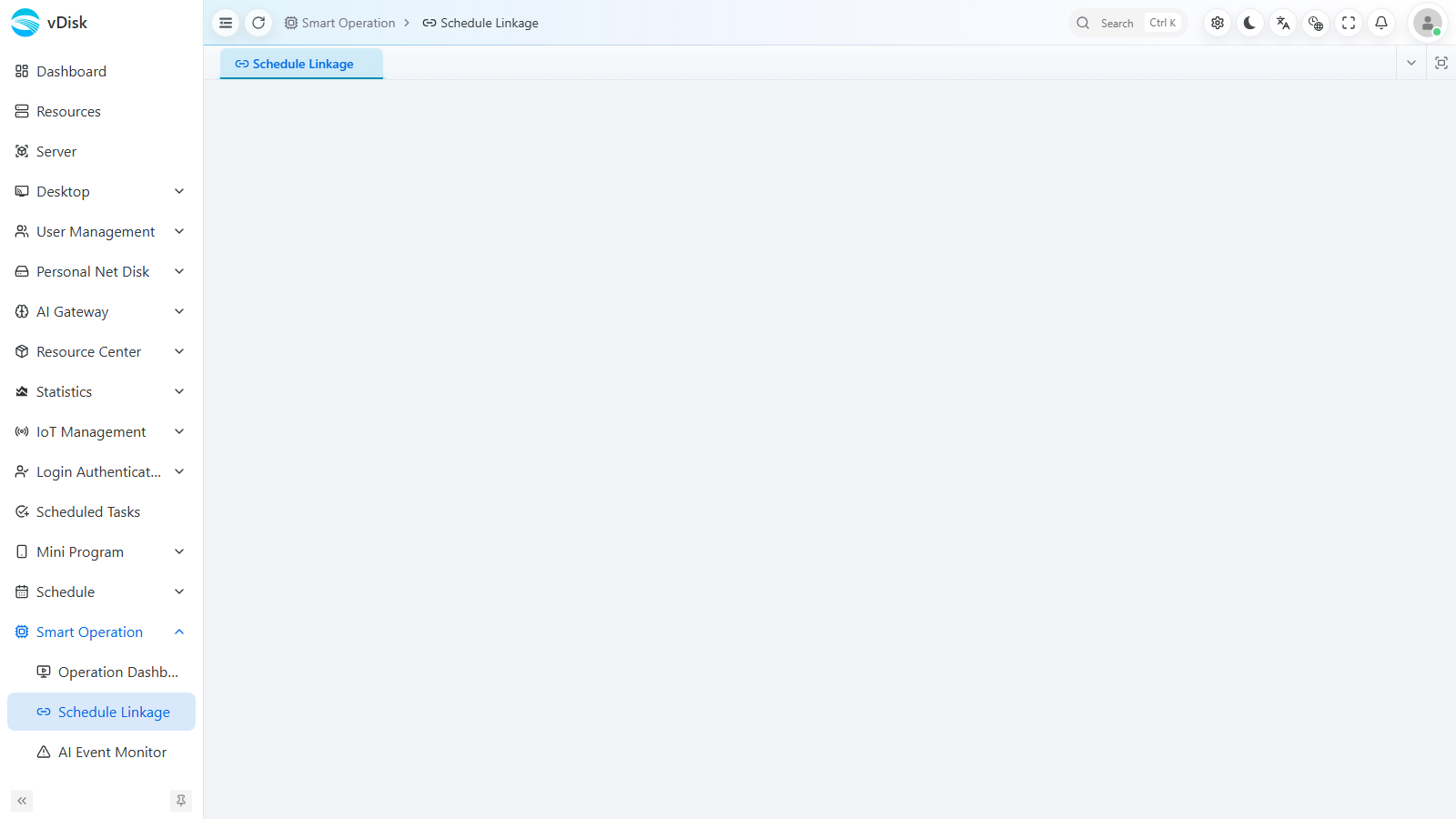
1. Feature entry: Console → Smart Operation → Schedule Linkage
In the console's left menu, go to Smart Operation → Schedule Linkage to open the schedule linkage configuration page.
Before configuring, please first set up the IoT devices (such as access control, power/sockets, etc.) in IoT Management, so that schedule linkage can issue actions to them.
2. Configure run rules
On the schedule linkage page, add and configure run rules to associate the time points in the schedule with specific actions (power-on, shutdown, desktop switching, access control/surveillance linkage, etc.).
3. Enable rules
After configuration is complete, enable the rules so they take effect automatically according to the schedule.
The execution plan strictly follows the schedule: if it is not within the schedule plan, it will not execute, so there is no risk of accidental operations.
Door-opening and other access control actions require the access control device to be integrated first, and the device must be added in the IoT area.