Adding an Access Control Device
Console -> IoT Management -> Access Control
Go to IoT Management -> Access Control to view the list of managed access control controllers, and perform operations such as opening, closing, and querying the status of the doors.
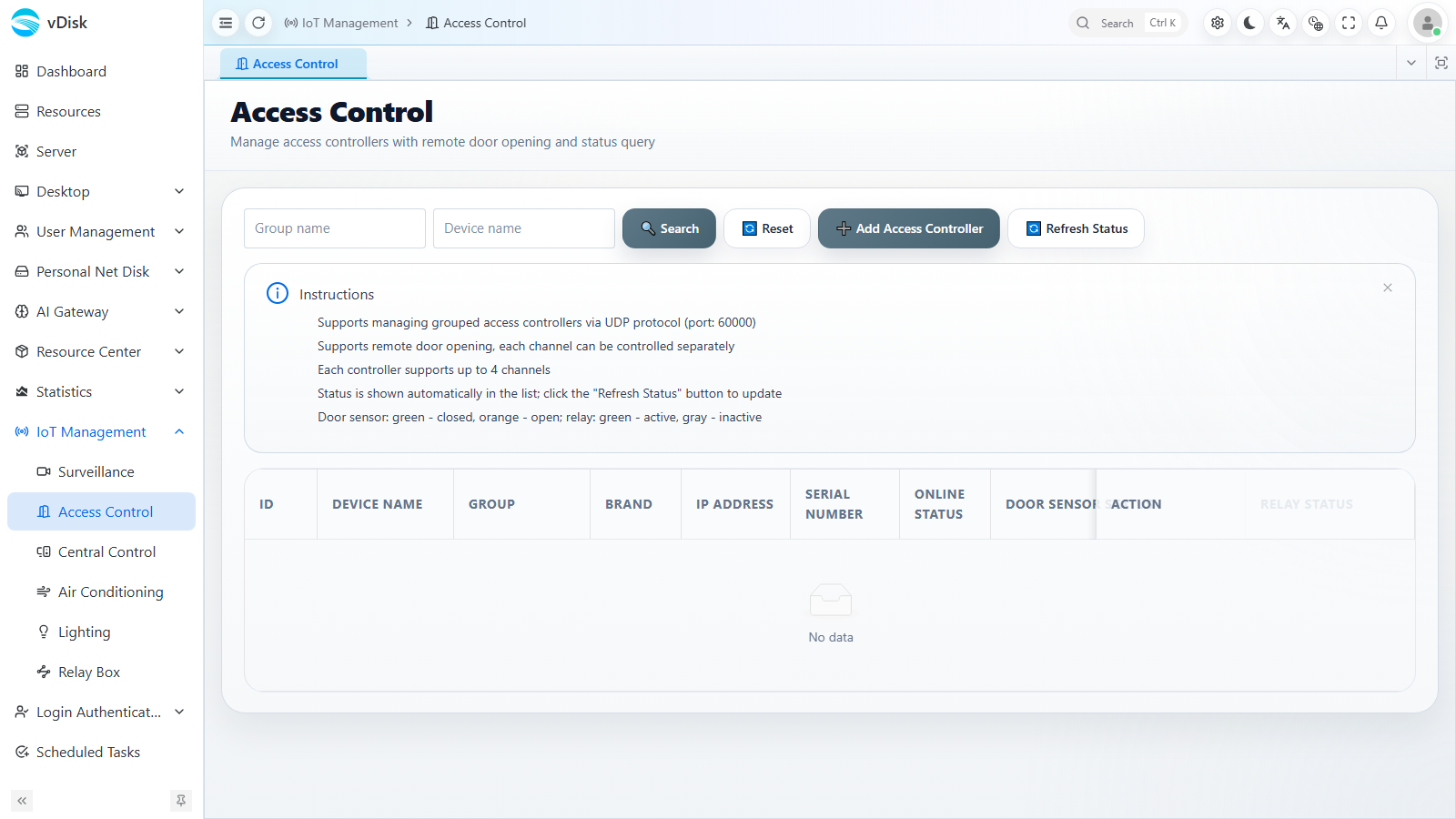
Instructions:
- Supports managing group access control controllers; controllers communicate over UDP port 60000
- Supports remote door open / close, and batch control of access control devices
- Supports querying the online / offline status of the access control
- Controller status refreshes asynchronously in the list; you can click the "Refresh Status" button to update it proactively
Add Access Controller
Click the "Add Access Controller" button at the top right of the list, and fill in the device information in the dialog that pops up.
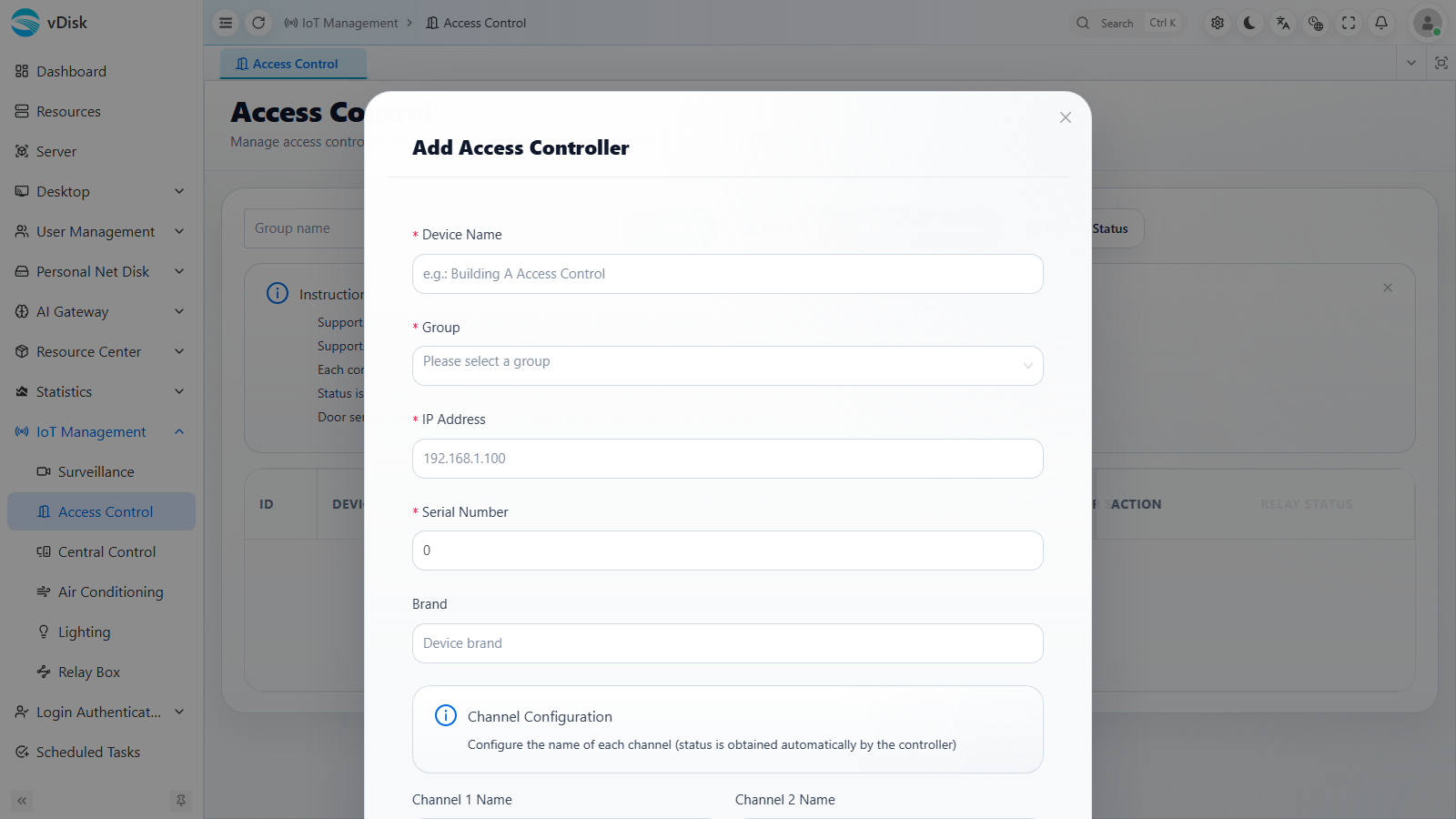
Device Name: The name used to identify the device
Group: Select a leaf node
IP Address: The IP of the access control controller
Serial Number: The serial number of the access control controller
Brand: The brand of the access control controller
Channel Configuration: Configure the name of each door (channel); some controllers can obtain channels automatically from the device
Currently only supported access control devices are integrated; please contact us for purchase details